
Small apps,
one job each.

Open source apps for your Mac and for the headsets, tablets and TVs you share with other people. More are on the way.

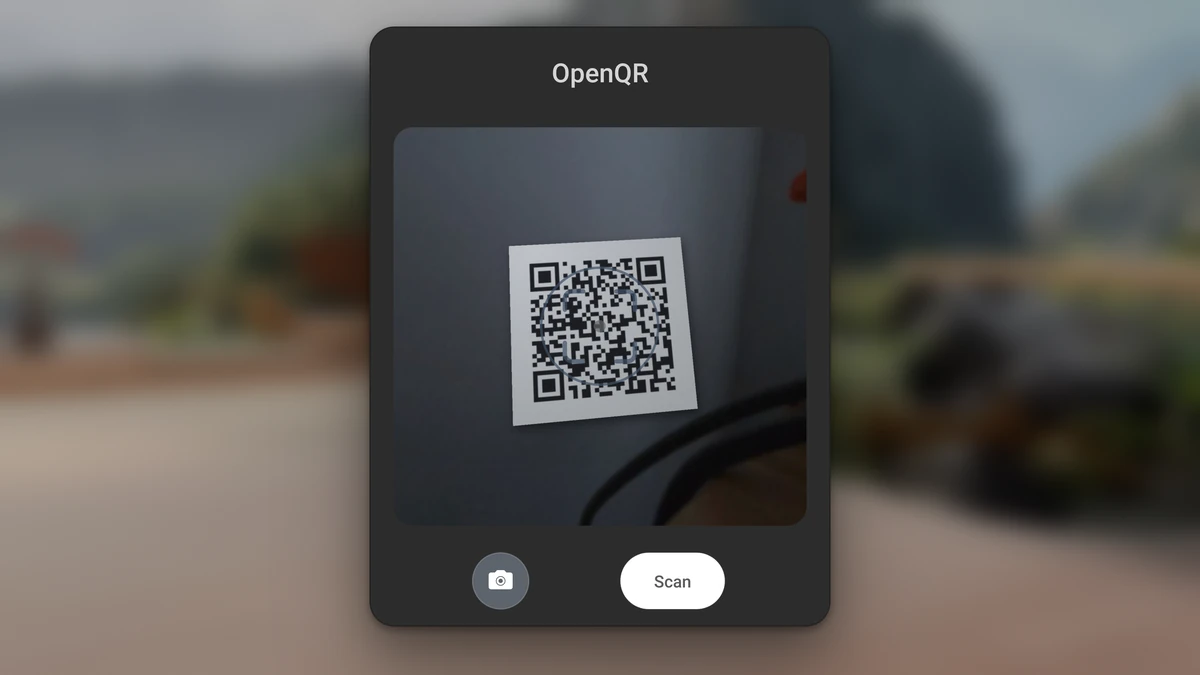
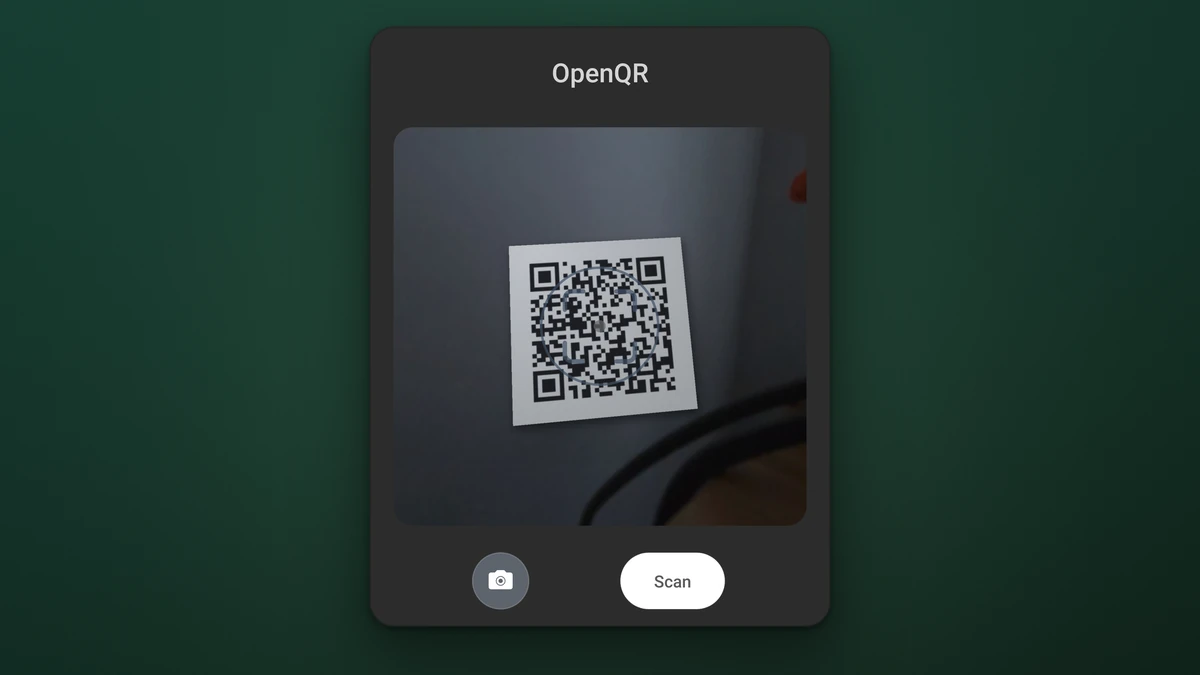
The OpenQR scan panel floating in a Quest home environment, with a printed QR code lined up in the scan area under the target ring, a camera button and a Scan button.
OpenQR's scan panel, as it sits in front of you on a Quest 3. Free on the Meta Horizon Store.

Two apps you can use today.

Both are free, with the full source on GitHub. One runs on a Quest headset, the other on your Mac.

  • The OpenQR scan panel with a printed QR code lined up under the target ring, and a Scan button

    OpenQR

    Scan a QR code on a Meta Quest 3 or 3S and open the link in the Quest browser or the app that claims it.

    Price
    Free on the Meta Horizon Store
    Devices
    Meta Quest 3, Quest 3S
    Privacy
    No internet permission, no scan history
    Source
    Apache 2.0 on GitHub, APK on the releases page
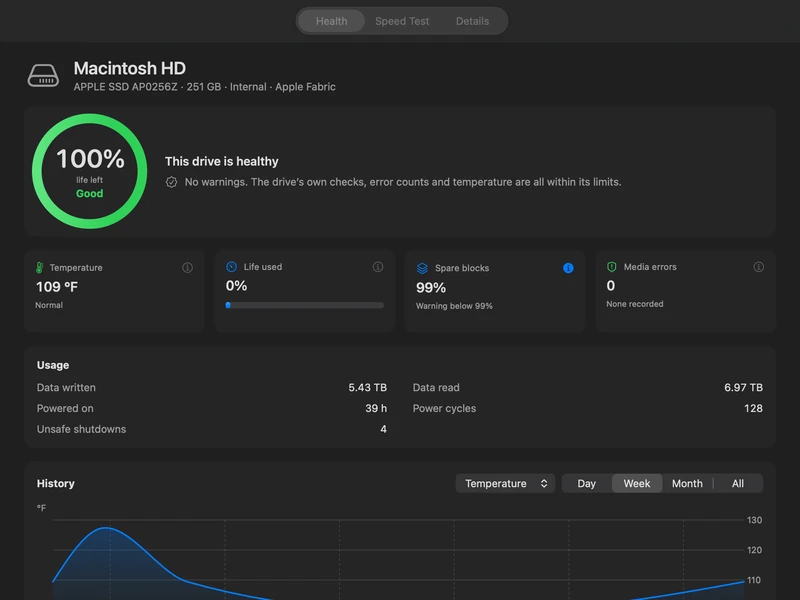
  • The OpenDisk window on a Mac showing the Health tab for a Macintosh HD: 100 percent life left, Good, this drive is healthy, with temperature, life used, spare blocks, media errors, usage figures and a temperature history chart

    OpenDisk

    Read your NVMe drive's health and test any drive's speed on your Mac.

    Price
    Free download, notarized by Apple
    Requires
    macOS 15 or later
    Network
    None. Every test runs on your Mac.

    Shows up as oDisk in Applications.

In the works

More apps are on the way. Each gets its own page here when it ships.

  • OpenStreamPlay the media you already own.Apple and Android
  • OpenBrowserA private web browser.Google TV
  • OpenPanelA simple home screen for shared devices.Tablets, TVs and headsets
  • OpenPDFA PDF viewer for shared screens.Shared displays
  • OpenReaderAudiobooks and ebooks from your own library.Apple and Android

For shared devices, and for your Mac.

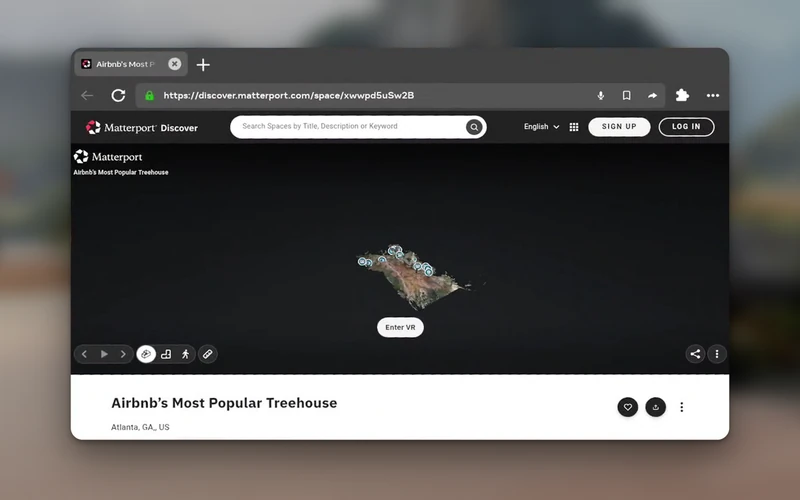
The Quest browser window in a Quest home environment, showing a Matterport 3D tour of a treehouse that OpenQR opened from a scanned code

On a headset many people share.

Put a printed code beside an exhibit or on a handout. A visitor lines it up in OpenQR, presses Scan, and the page opens in the Quest browser, with no web address to type.

OpenQR keeps no scan history, so IT has nothing to wipe between sessions. Ask about a custom setup for your school or museum on the licensing page.

Licensing for organizations
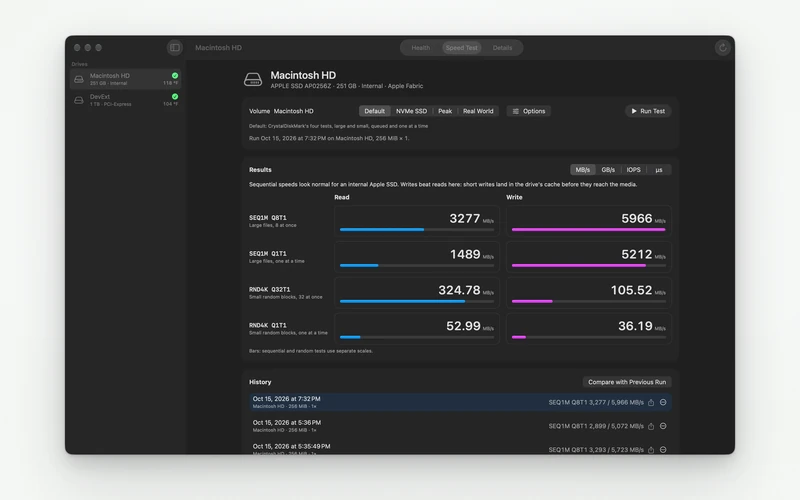
The OpenDisk window on a Mac showing the Speed Test tab for a Macintosh HD: four read and write tests with bars and megabytes per second, and a history of earlier runs

On your own Mac.

OpenDisk reads the health values an NVMe drive publishes, such as life used and media errors. It runs four read and write speed tests on any drive.

It keeps earlier runs, so you can compare the same drive over time and see what changes as it fills up.

Download for Mac

No ads, analytics, crash reporting or Orgista account in any app.

Read the code, report a bug, or suggest a change to any app you use.

Orgista on GitHub
Internet
No internet permission for OpenQR. OpenDisk makes no connections.
Data
Settings stay on your device.
Source
Public on GitHub for released apps, plus OpenStream, OpenPanel and OpenPDF in development.